
PHYSICAL AI DEVELOPMENT INFRASTRUCTURE
Bring robot tasks
into the real world.
For robotics teams moving from model experiments to deployed behavior.
Sinfra connects data, training, simulation, compute, and deployment in one workflow.
Train, simulate, deploy, and improve
Keep cost, metrics, and evidence in context
HOW SINFRA WORKS
From task.
To evidence. To robot.
Keep the task, experiment, and deployment decision in one connected path.
Turn intent into a testable task.
Make the robot goal, available data, and success criteria explicit before compute begins.
- OUTPUT
- Task brief
- DECISION
- What success means
- NEXT GATE
- Ready to train
Build evidence before robot time.
Connect training, simulation, cost, and results so the team can compare a run with its baseline.
- OUTPUT
- Comparable runs
- DECISION
- Which policy advances
- NEXT GATE
- Ready for robot trial
Carry context into the real world.
Run a guarded robot trial, capture what happened, and return that evidence to the next iteration.
- OUTPUT
- Deployment record
- DECISION
- Release or improve
- NEXT GATE
- Repeatable behavior
NEXT Find your starting point.Three inputs → one recommended path
Shape the first decision.
Choose the task, current stage, and priority.
Building your task plan…
Local prototype · no job submitted · not a capacity quote.
DATA
Robot data, at scale.
Free to access.
Explore large public datasets for robot learning.
Choose the data for your next training run.
200TB+
Dataset capacity supported by Sinfra.
From public robot data to your team's own collections.
AgiBot World Beta
≈43.8TB
Complete Beta release1M+ trajectories
2,976 hours of interaction from 100 robots across diverse tasks.
Dual-arm manipulation · 200+ task types
Daimon-Infinity
39TB
Published multimodal release1,209 hours
Vision–tactile–language–action data for dexterous manipulation.
RGB · Tactile · Pose · Language
ABC-130k
23.1TB
Full MCAP collection130,703 episodes
3,590.7 hours of bimanual manipulation on dual-arm YAM stations.
Bimanual teleoperation · MCAP
Open X-Embodiment
≈9TB
Published RLDS collection1M+ robot trajectories
Robot learning data from 22 embodiments in a common format.
Cross-embodiment collection · RLDS
Sizes refer to the published downloads and formats shown. Public datasets are free to access from their publishers; each dataset's license and access terms apply.
Your next training run.
Starts with a prompt.
Describe a task, compare configuration options, and let Agent launch and monitor your training.
Illustrative interaction. Conversation, configurations, and training metrics are local examples; no actual jobs are launched.
Ready for a task.
CUSTOM SIMULATION
Your task.
Your simulation scene.
From objects and layouts to task workflows, we build simulation environments around your requirements so you can test ideas before deployment.
Compare simulation and reality REAL CAPTURE
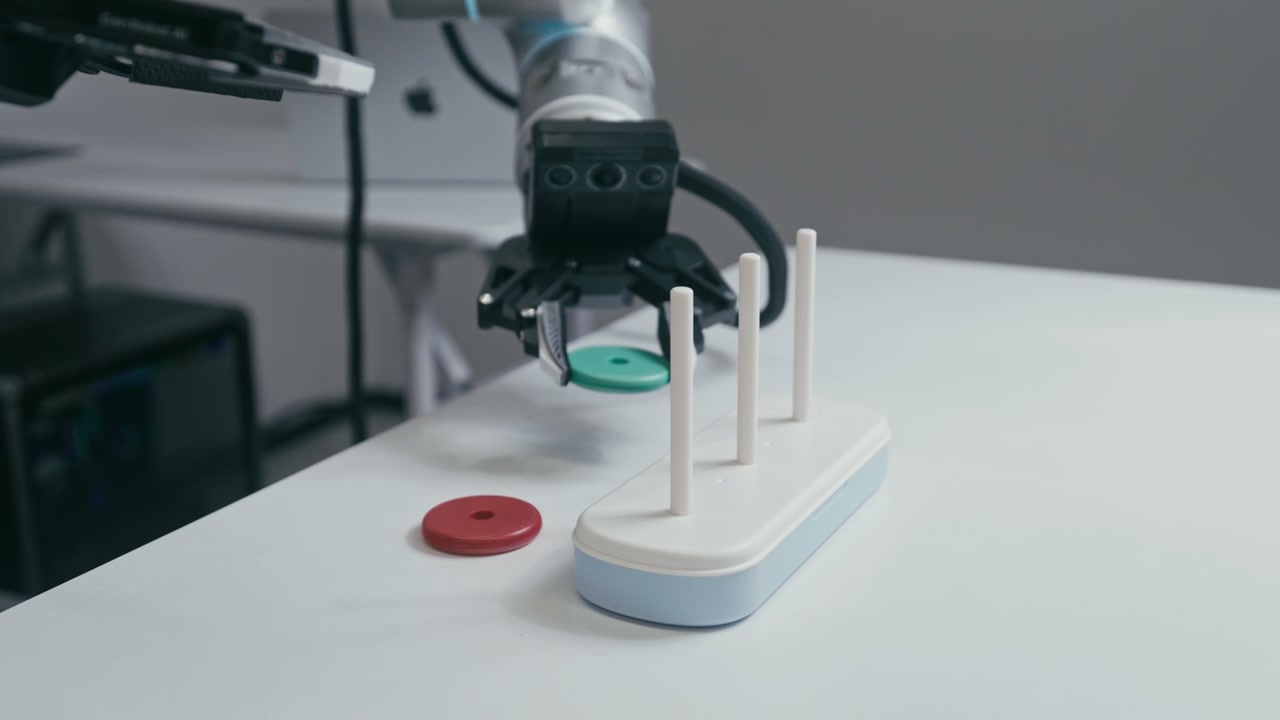
These scenes are examples. We tailor scene and task configurations to your requirements.
Explore public datasets ↗See the policy.
Meet the real world.
Move from trained behavior to physical execution, then observe every run from the robot's point of view.
The deployment video shows a policy running in simulation before transfer to the physical workspace.
See each step.
Make it better.
Training status and resource performance at a glance.
Track convergence.
Make compute count.
Training metrics and curves are illustrative.
Compare runs.
Make the next decision.
Run C vs. baseline
+2.3pp
Accuracy improvement
8.6%
GPU-hour savings
baseline
85.9%
Top-1 accuracy
Every comparison starts with a baseline.
batch128
87.1%
Top-1 accuracy
1.2 pp higher accuracy
fused-v3
88.2%
Top-1 accuracy
4.4 GPU-hours below baseline
Let every experiment guide the next improvement.
Comparison results are illustrative and show three configurations of the same task.
The right compute.
For the task at hand.
Match training, simulation, and inference workloads
to the resources they actually need.
Confirmed fleet figures · Availability on request
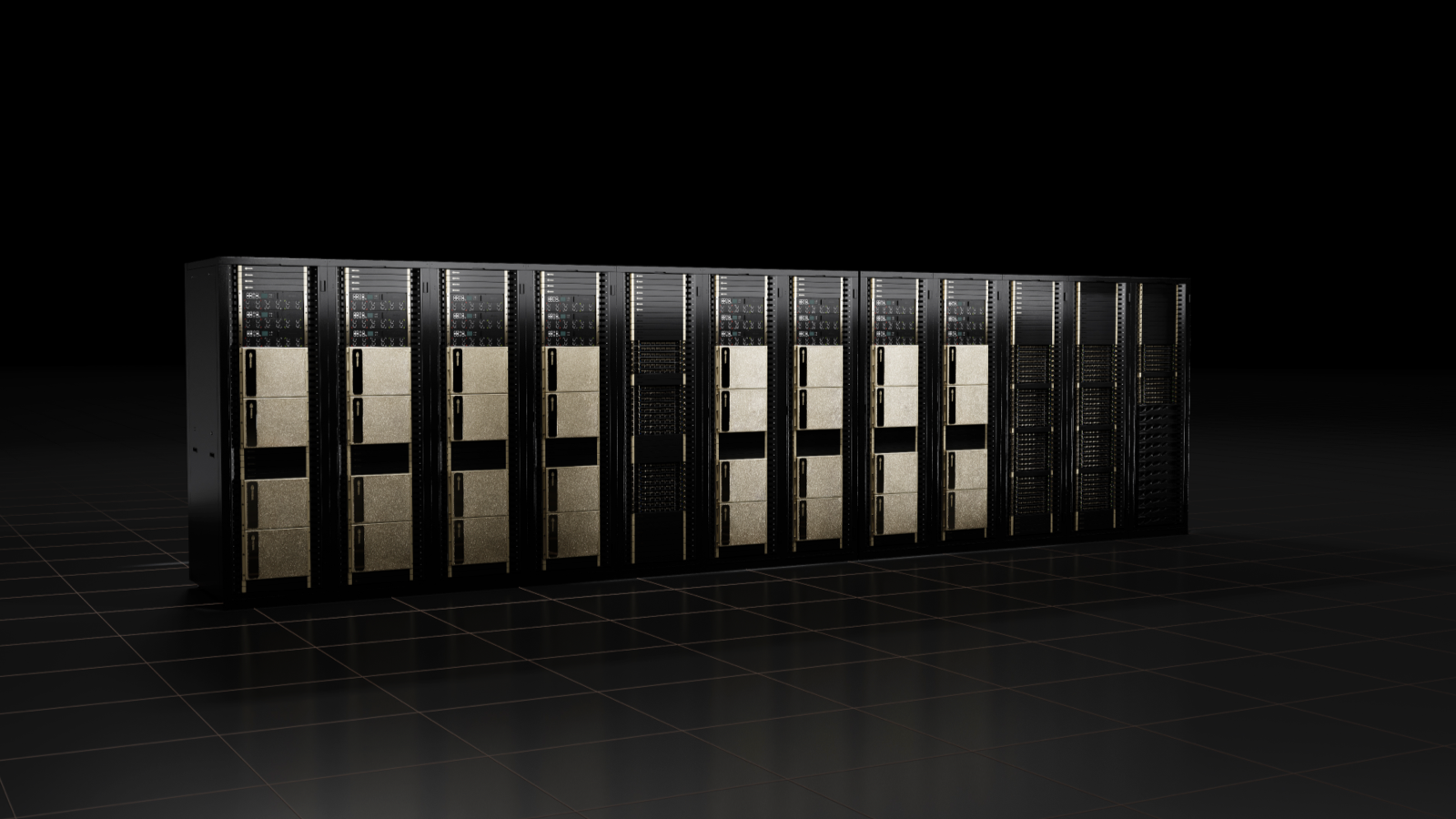
RTX 5090
Built for simulation workloads.
¥2.37 / GPU-hour
1,024GPUs
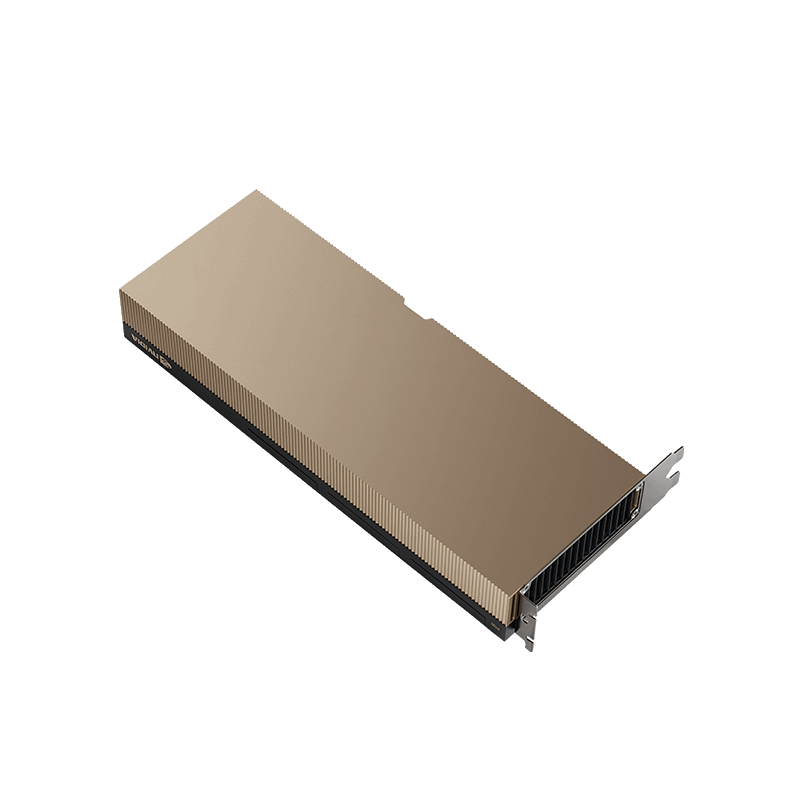
H100
Focused on training. Unlock model potential.
Availability on request
1,024GPUs
H20
Designed for inference workloads.
Availability on request
256GPUs
GPU counts reflect confirmed display figures, not real-time availability. Expansion queues are illustrative configurations and are excluded from the displayed GPU total.
Plan with confidence.
Spend with evidence.
Estimate the resources behind a task, then compare training outcomes and GPU-hours.
Understand the cost before you commit to the next run.
ILLUSTRATIVE COMPARISON
GPU-hours saved in this example
Estimated cost savings at the same GPU-hour rate
Based on the Run C vs. Run A example. Savings are not guaranteed.
A smoother experience. Faster progress.
Spend more time on development.
Explore before you begin.
Browse demos, metrics, and compute resources before you sign in.
Reuse familiar configurations.
Select data, images, and queues in one place, and copy task configurations.
See the process.
From training loss to GPU performance, find evidence to help diagnose issues.
Keep track of every iteration.
Keep task records and compare metrics to guide your next experiment.